Last Updated on May 18, 2026 by CU Staff
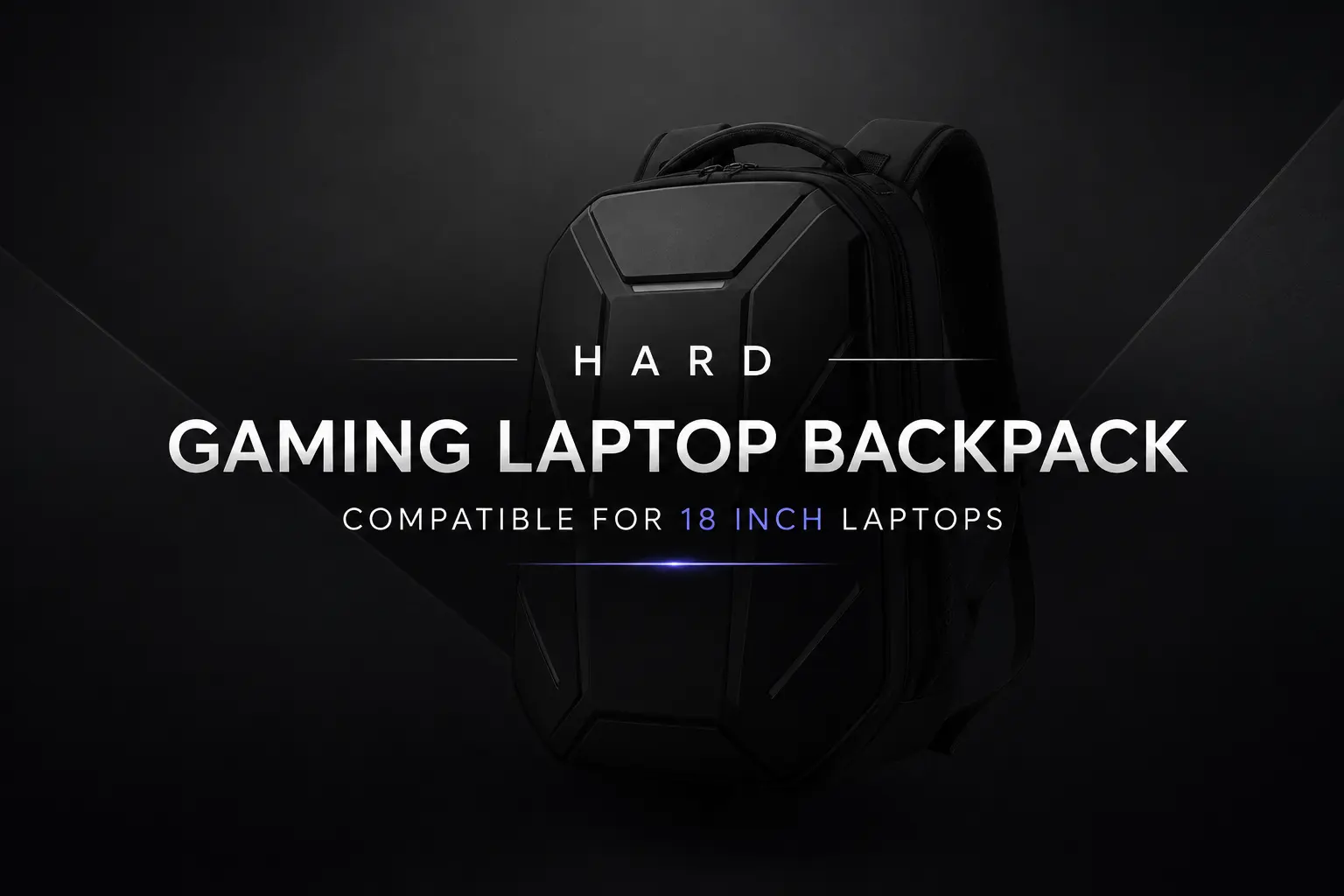
If you own an 18-inch gaming laptop, you already know the carrying problem. These machines are heavier than most ultrabooks, longer than a standard 15-inch laptop, and packed with hardware that does not enjoy being tossed around. A regular backpack will not cut it. You need a hard gaming laptop backpack built for 18-inch laptops, with a rigid shell, dense padding, and enough room for chargers, accessories, and sometimes a cooling pad.
A hard gaming laptop backpack for 18-inch laptops is a rigid, often EVA-shell bag designed to protect large gaming machines like the ASUS ROG Strix G18, Alienware m18, and Razer Blade 18. The best options combine hard-shell protection, waterproof material, padded straps, and airport-friendly storage for safe daily and travel use.
This guide walks through what makes these bags different, which ones are worth your money, and how to pick one that fits your specific laptop without ending up with regrets.
Why 18-Inch Gaming Laptops Need Special Backpacks
An 18-inch gaming laptop is a different animal from a regular work laptop. Models like the ASUS ROG Strix G18, ROG SCAR 18, Alienware m18, MSI Titan 18 HX, and Razer Blade 18 weigh anywhere from 6.5 to 8 pounds before you add the charger. Some chargers alone weigh nearly two pounds because they push 280W to 330W of power.
Then there is the footprint. Most 18-inch laptops measure around 16 inches wide and 12 inches deep. Standard backpacks are usually built for 15 or 17 inch machines, and even bags labeled “17-inch” often will not close properly once an 18-inch laptop is inside. You can read more about why these machines run heavy in this breakdown of why gaming laptops are bulkier.
The other issue is fragility. Gaming laptops cost more than most desktops. Dropping one, even from a chair, can crack the screen, dent the chassis, or break the hinge. A hard-shell backpack is one of the cheapest ways to protect a $3000 investment.
What is a Hard Gaming Laptop Backpack?
A hard gaming laptop backpack is a backpack with a rigid outer shell, usually made of EVA foam or molded polymer, that protects the laptop from impact, pressure, and weather. Soft backpacks rely on internal padding alone. Hard backpacks combine internal padding with an external shell, so the bag itself does not flex under load.
Think of it like the difference between a regular suitcase and a hard-case suitcase. If you drop the soft one, the contents take the hit. If you drop the hard one, the shell absorbs it. For gaming laptops, that difference matters because the screen, motherboard, and cooling fans do not handle shock well. If you are still deciding whether one of these big machines is even right for you, this overview of what a gaming laptop actually is is a good starting point.
Key Features to Look For
Hard-Shell Protection
The shell is the whole point. EVA (ethylene-vinyl acetate) is the most common material because it absorbs impact and stays light. Look for at least 5mm of EVA foam in the laptop compartment, and a fully enclosed shell on the back panel where most bumps happen. Some premium bags use molded ABS plastic for an even tougher shell.
Waterproof Materials
Most hard-shell backpacks use water-resistant nylon or polyester on the outside, often with a thermoplastic coating. A few are fully waterproof, meaning you can set them down in a puddle without water reaching the laptop. Check the zipper as well. Sealed YKK zippers add real protection. Open coil zippers do not.
Shoulder Comfort
An 18-inch laptop bag, fully loaded, can weigh 12 to 15 pounds. Cheap straps will hurt within 20 minutes. Look for wide, contoured shoulder straps with thick foam, a sternum strap to take pressure off the shoulders, and ideally a waist belt for long walks. The chest strap matters more than people think.
Storage Compartments
You are not just carrying a laptop. A typical gaming laptop owner also hauls a brick charger, a mouse, sometimes a mechanical keyboard, headphones, cables, a portable SSD, and a phone or tablet. A good 18-inch backpack has a dedicated laptop sleeve, a separate accessory compartment, side pockets for water bottles, and a small front pocket for things you grab often.
Airflow and Back Padding
Heavy bags get hot against your back. Mesh-lined back panels with ventilation channels help. Foam blocks separated by air gaps are better than a flat foam pad. If you bike or walk long distances with the bag, this becomes the difference between arriving dry or arriving with a wet shirt.
TSA and Travel Features
If you fly a lot, look for a TSA-friendly laptop compartment that opens flat without removing the laptop. This saves time at security. A trolley strap on the back, which lets you slide the bag onto a rolling suitcase handle, is also worth having. Hidden pockets for passports are a small touch but useful.
Best Hard Gaming Laptop Backpacks for 18-Inch Laptops
Smatree Hard Gaming Laptop Backpack
The Smatree is one of the few bags built specifically around the idea of a hard shell for large gaming laptops. The exterior is rigid EVA, so the shape holds even when the bag is half empty. The interior is lined with thick foam, and there is a dedicated 18-inch laptop sleeve with a velcro strap to keep the laptop from sliding.
What people like most is how it handles drops. The shell takes the hit instead of the laptop. The downside is that the rigid shape makes it less comfortable for long walks, and the styling is plain rather than stealthy. For carrying a heavy machine from home to office, or in and out of a car, it is one of the most protective bags on the market.
Everki Titan
The Everki Titan is not fully hard-shell, but it is structured enough to behave like one, and it has a serious following among 18-inch laptop owners. It officially supports laptops up to 18.4 inches. The padding is thick, the build is reinforced, and Everki backs it with a lifetime warranty, which is unusual at this price.
What sets the Titan apart is storage. It has a checkpoint-friendly laptop compartment that lies flat for airport security, separate compartments for tablets and accessories, and enough internal pockets that you can actually find things later. If you travel often with an 18-inch gaming laptop, this is one of the most practical bags out there.
Alienware Horizon Travel Backpack
The Alienware Horizon is designed by Dell for Alienware laptops, and it fits the m18 like it was made for it (because it was). The bag uses tough, water-resistant material, has a structured laptop compartment with extra impact padding, and features the kind of minimalist black look that does not scream “expensive electronics inside.”
It has a TSA-friendly opening, a sternum strap, and good back ventilation. It is on the premium side of the price range, but if you own an m18 or another Alienware machine, the fit and feel are hard to beat. It also pairs well with other Alienware accessories if you have built out a setup.
FreeBiz 18.4 Backpack
The FreeBiz 18.4 is the budget pick, and it has stayed popular for years because it does the basics right. It supports laptops up to 18.4 inches, has a reinforced (though not fully hard-shell) laptop compartment, water-resistant nylon outside, and enough room for chargers and accessories.
It will not protect against a hard fall the way a Smatree will, but for everyday use, commuting, and occasional travel, it is solid. If you do not want to spend $150+ on a bag, the FreeBiz is the realistic option. Just do not expect premium materials or perfect stitching.
Compatibility With Popular 18-Inch Gaming Laptops
Fit matters more than you might think. The actual footprint of an 18-inch laptop varies between brands, and some bags advertise “18-inch” support but really mean older 17.3-inch laptops with thinner bezels. Here is how the most common 18-inch models fit common bags.
ASUS ROG Strix G18 and ROG SCAR 18: Both have a similar footprint at around 15.7 x 11.7 inches. The Smatree, Everki Titan, and FreeBiz 18.4 all fit them with room to spare. The Strix G18 is on the heavier side at about 6.6 pounds, so a sternum strap helps.
Alienware m18: Larger and heavier than most. The m18 is around 16.1 x 12.6 inches and can hit 9 pounds with the R2 configuration. The Alienware Horizon is the natural fit. The Everki Titan also works. Smaller “17-inch” bags often will not close.
MSI Titan 18 HX: This is one of the largest 18-inch laptops on the market, with a deep chassis to accommodate its desktop-class cooling. The Everki Titan handles it well. The Smatree fits but is tight depending on the year and revision.
Razer Blade 18: Slimmer than most 18-inch laptops, which actually makes it easier to fit. Almost any bag rated for 18 inches will work, including the Alienware Horizon, though the styling clash is real.
If a bag does not list specific 18-inch laptops it supports, measure your laptop and compare against the bag’s internal sleeve dimensions, not the advertised size.
Hard Backpack vs Soft Backpack
A soft backpack is lighter, more flexible, and usually cheaper. It will conform to your back better and pack down smaller when empty. For a 13 or 15 inch laptop, a soft backpack is usually fine.
A hard backpack is heavier and more rigid, but it offers real protection. If someone drops a stack of books on your bag at a café, the hard shell takes the hit. If you put it in an overhead bin and a heavy carry-on lands on top, the laptop stays safe. For an 18-inch gaming laptop that cost $2500 to $4000, that protection matters.
There are also hybrid bags that have a rigid laptop compartment inside a soft outer shell. These can be a good middle ground, but the protection is only as good as the internal frame.
Are Hard Gaming Laptop Backpacks Worth It?
For most owners of 18-inch gaming machines, yes. The price gap between a basic backpack and a hard-shell one is usually $50 to $100. The repair cost of a cracked OLED screen on a Razer Blade 18 is over $1000. The math is not subtle.
That said, if you rarely leave the house with your laptop and only carry it short distances, a well-padded soft bag may be enough. The case for a hard-shell bag gets stronger the more you travel, the more crowded your transit is, and the more expensive your laptop is. If you are still on the fence about whether the laptop itself justifies the investment, this read on whether gaming laptops are actually worth the money is worth a look before you spend more on accessories.
How to Carry Heavy Gaming Laptops Comfortably
A loaded 18-inch laptop bag can hit 15 pounds. Carrying that wrong will wreck your back over time. A few habits make a real difference.
Adjust the shoulder straps so the bag sits high on your back, with the bottom around your lower ribs, not your hips. A bag that sags pulls your shoulders backward and creates strain. Always use the sternum strap if the bag has one. It distributes weight across both shoulders evenly. If your bag has a waist belt, use it for anything longer than a 10-minute walk. Most of the weight should sit on your hips, not your shoulders.
Pack heavy items close to your back. The laptop should be in the compartment closest to your spine, not the front. A charger or mouse near the back, with lighter items in the front pocket, keeps the load balanced and prevents the bag from pulling you backward.
Travel Tips for Large Gaming Laptops
Flying with an 18-inch gaming laptop is doable but takes a bit of planning.
Most airlines allow gaming laptops in carry-on bags without trouble, but the bag itself must fit carry-on size limits. The Everki Titan and Alienware Horizon both stay within standard limits when not overstuffed. Pack the charger in the bag, not in checked luggage. Brick chargers for these laptops are bulky and expensive to replace, and the wattage they pull is significant. If you are curious about exactly how much power these machines draw, this guide on how many watts a gaming laptop actually uses explains the numbers.
Thermal management on the road is the other concern. Hot airports, warm hotel rooms, and limited airflow can push a gaming laptop into thermal throttling fast. Some travelers pack a slim cooling pad. A few thoughts on how to keep laptops cool when gaming are useful here, especially if you plan to game in non-ideal environments. There are also good options for laptop cooling pads that fit in the accessory compartment of larger backpacks like the Everki Titan.
For shorter trips, you can usually skip the cooling pad, but you will want to be aware of how your specific laptop handles heat without one. This read on whether gaming laptops can be used without a cooling pad covers what to expect.
Common Mistakes Buyers Make
The most common mistake is buying a bag rated for 17 inches because it is cheaper, and then discovering the zipper will not close around an 18-inch laptop. An 18-inch laptop is not just one inch bigger. The footprint can be two inches wider and an inch deeper, and the chassis is thicker too. Always check the internal sleeve dimensions.
The second mistake is ignoring padding. A bag with a hard outer shell but thin internal padding will still let the laptop rattle around inside on bumps. Both layers matter.
The third mistake is buying based on looks alone. Stealthy black bags are nice, but if the zippers feel cheap, the straps are thin, or the bottom feels flimsy, the bag will not last. YKK zippers, reinforced stitching at stress points, and a solid bottom panel are what to check.
The fourth, and one many people skip, is testing weight distribution. Load the bag with your laptop and charger before committing. If the bag tips backward or feels unbalanced empty, it will be worse loaded.
Final Verdict
If protection is the top priority and budget is not, the Smatree Hard Gaming Laptop Backpack is the most protective option for 18-inch laptops. For travelers who fly regularly, the Everki Titan is the best balance of protection, storage, and airline-friendly design. Alienware owners should look first at the Alienware Horizon, which fits the m18 better than anything else. And if budget is tight, the FreeBiz 18.4 covers the basics without major compromises.
Pick the bag that fits the way you actually use your laptop, not the one with the flashiest spec sheet. A bag that lives in your closet because it is uncomfortable is worse than a simple bag you actually carry. For most people, that means thinking about the daily commute first and the once-a-year flight second.
If you also game heavily on the road, pair the bag with a cooling solution. Some gaming laptops with the best cooling systems handle long sessions without help, but most 18-inch machines benefit from extra airflow when pushed hard.
FAQs
Will an 18-inch laptop fit in a normal backpack?
Usually no. Most regular backpacks are built for laptops up to 15 or 17 inches. An 18-inch gaming laptop is wider, deeper, and heavier than most backpacks can handle. Even bags labeled “17-inch” often will not zip around an 18-inch laptop. Always check the internal sleeve dimensions, not just the advertised size.
Are hard-shell laptop backpacks better?
For expensive or large laptops, yes. Hard-shell backpacks protect against drops, pressure, and impacts that a soft bag cannot. For a $3000 gaming laptop, the extra $50 to $100 for a hard-shell bag is cheap insurance. For smaller, cheaper laptops, a well-padded soft bag is often enough.
Which backpack fits ASUS ROG G18?
The Smatree Hard Gaming Laptop Backpack, Everki Titan, and FreeBiz 18.4 all fit the ASUS ROG Strix G18 comfortably. The Strix G18 has a footprint of about 15.7 x 11.7 inches. Any bag with an internal sleeve rated for at least 18 inches and these dimensions will work.
Is Smatree backpack good for gaming laptops?
Yes, especially for protection. The Smatree has a rigid EVA shell that absorbs impact and a structured interior that keeps the laptop from shifting. It is one of the most protective options for 18-inch gaming laptops. The trade-off is that it is heavier and less flexible than soft bags.
Are gaming laptop backpacks waterproof?
Most are water-resistant rather than fully waterproof. They can handle rain and brief splashes without water reaching the laptop. A few premium bags use sealed zippers and waterproof coatings for full protection. Check the spec sheet for “waterproof” versus “water-resistant,” and look at the zipper type.
Can I travel with an 18-inch gaming laptop?
Yes, most airlines allow 18-inch gaming laptops as carry-on, as long as the bag itself fits carry-on size limits. The Everki Titan and Alienware Horizon both meet standard airline carry-on dimensions. Pack the charger in your carry-on too, and remove the laptop at security unless your bag has a TSA-friendly opening.
How heavy is a fully loaded 18-inch gaming laptop backpack?
A fully loaded 18-inch laptop bag usually weighs 12 to 15 pounds. The laptop alone is 6 to 9 pounds, the charger adds 1.5 to 2 pounds, and accessories like a mouse, headphones, and cables add another 2 to 4 pounds. A sternum strap and waist belt make this much easier to carry.
What size laptop sleeve do I need for an 18-inch gaming laptop?
Look for an internal sleeve rated for 18 inches or 18.4 inches. The sleeve should measure at least 16.5 inches wide and 12.5 inches deep to fit larger models like the Alienware m18 and MSI Titan 18 HX. Sleeves rated “up to 17.3 inches” will not work, even if the diagonal sounds close.