Last Updated on March 26, 2026 by CU Staff
If you are shopping on a tight budget, buying a used gaming laptop can absolutely be worth it in 2026, but only if you know what to look for. A pre-owned gaming laptop lets you access powerful hardware at a fraction of the original price, which is great for casual gamers and students. However, you also face real risks like battery degradation, hidden thermal damage, and zero warranty protection. The key is doing your homework before making a purchase.
In this guide, we break down the full picture. You will learn the real pros and cons of buying used, what to inspect before handing over your money, and when it makes more sense to buy new instead. Whether you are a first-time buyer or simply watching your wallet, this article will help you make a confident decision.
What Is a Gaming Laptop?
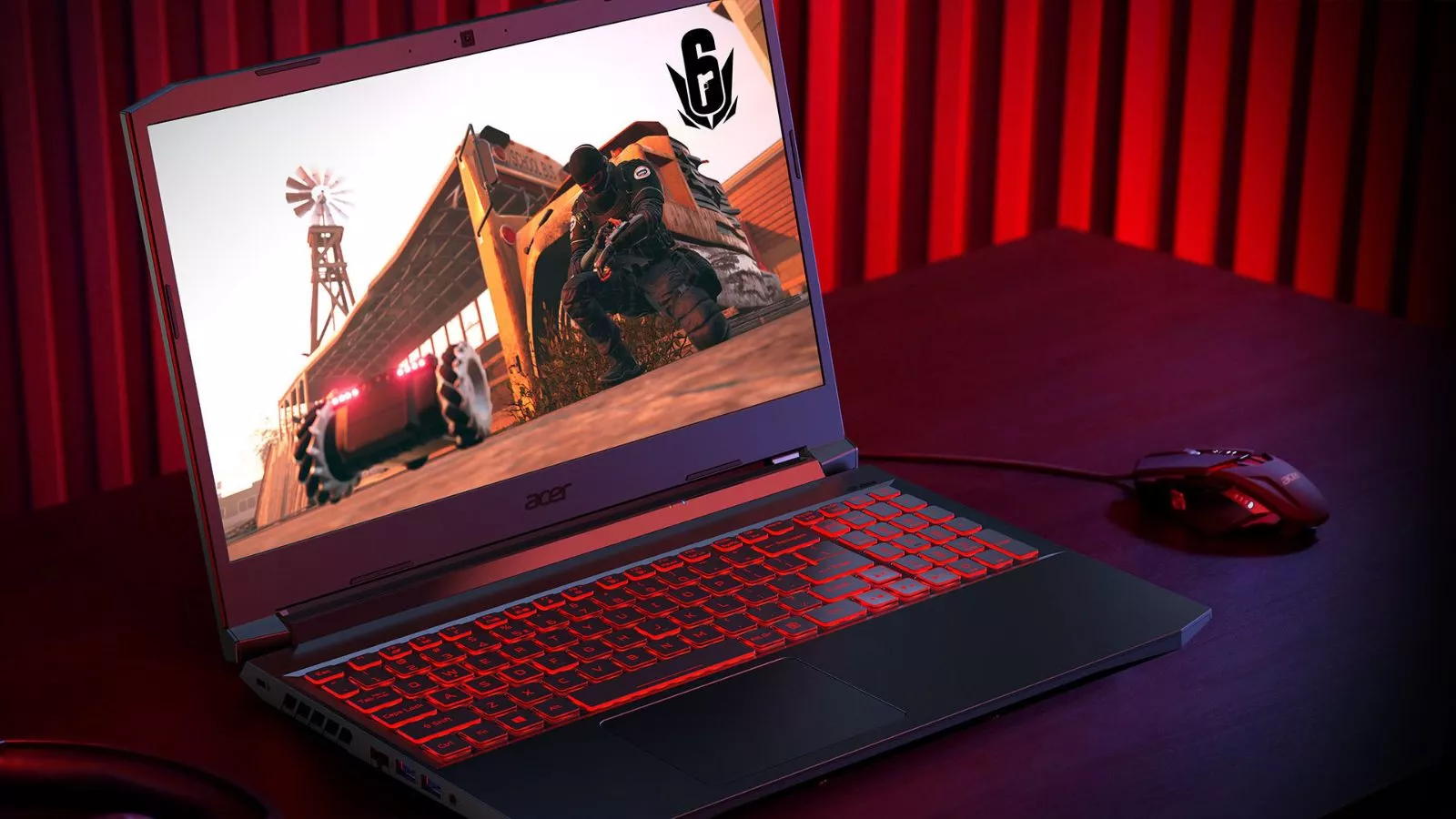
Before diving into the used market, it helps to understand what sets a gaming laptop apart from a regular one. A gaming laptop is a portable computer built specifically for running video games and other demanding applications. These machines come equipped with dedicated graphics cards (GPUs), high-performance processors (CPUs), faster RAM, and advanced cooling systems that regular laptops simply do not have.
Gaming laptops are designed to handle heavy workloads. That is why many people also use them for tasks like video editing, 3D rendering, music production, and even office work. Their powerful specs make them versatile machines, but that extra power also comes with a higher price tag when bought new. This is exactly why the used market appeals to so many buyers.
Why People Consider Buying Used Gaming Laptops
There are several practical reasons why buyers turn to the second-hand market for gaming laptops.
Lower upfront cost is the most obvious one. A gaming laptop that originally retailed for $1,500 might sell for $700 to $900 used, depending on its age and condition. For someone who cannot afford to spend over a thousand dollars on a new machine, this makes gaming accessible without taking on debt or settling for underpowered hardware.
Better specs for the money is another big draw. Instead of buying a brand-new entry-level gaming laptop with a basic GPU, the same budget in the used market might get you a machine with a higher-tier graphics card, more RAM, and a faster processor. You essentially move up a performance tier without increasing your budget.
Budget constraints among students and young professionals also drive demand. Many college students need a laptop that can handle both coursework and casual gaming. If you are wondering whether gaming laptops work well in academic settings, they absolutely can, as covered in this guide on whether gaming laptops are good for students. A used gaming laptop can serve both purposes at a price that fits a student budget.
Pros of Buying a Used Gaming Laptop
There are genuine advantages to going the pre-owned route, especially if you approach the purchase carefully.
Significant cost savings. You can save anywhere from 30% to 60% compared to buying the same model new. This is the single biggest reason people consider used machines. Those savings can also free up budget for accessories like a cooling pad or an external monitor.
Access to higher-tier hardware. A used mid-range or high-end gaming laptop from 2024 can still outperform a brand-new budget model in 2026. Components like the GPU and CPU do not lose their raw processing power over time. If the machine has been well maintained, you get flagship-level performance at a budget price.
Great entry point for beginners. If you are new to PC gaming and unsure how much you will actually use a gaming laptop, buying used lowers the financial risk. You get to test the waters without committing to a large investment. If you enjoy it, you can always upgrade to a new machine later.
Environmentally friendlier choice. Buying used extends the lifespan of existing electronics and reduces e-waste. Instead of another laptop ending up in a landfill, it gets a second life with a new owner.
Cons of Buying a Used Gaming Laptop
Of course, buying used is not without its downsides. You need to go in with your eyes open.
Wear and tear on internal components. Gaming puts serious stress on a laptop’s CPU, GPU, and motherboard. A machine that has been used for intensive gaming sessions over two or three years will have accumulated significant wear. This is one reason gaming laptops tend to be bulkier than regular laptops; they need the extra space for beefier components and heat management.
Battery degradation. Laptop batteries lose capacity over time, and gaming laptops are hit especially hard because they draw a lot of power during use. A used gaming laptop might only hold 50% to 70% of its original charge. If you want to understand more about how laptops consume energy, check out this article on how many watts a laptop uses. In some cases, the battery may need replacement soon after purchase, which adds to your total cost.
Thermal and overheating risks. Gaming laptops generate a lot of heat, and if the previous owner did not take care of the cooling system, you could inherit a machine with dried thermal paste, clogged fans, or damaged heat pipes. Overheating reduces performance and shortens the lifespan of internal components. Knowing how to keep laptops cool when gaming is essential when dealing with an older machine.
No manufacturer warranty. Most used laptops come with no warranty at all. If the GPU fails or the motherboard develops a fault a month after you buy it, you are on your own. This is a significant financial risk, especially on a tight budget.
Potential for hidden damage. Unlike buying new from a retailer, the used market does not guarantee transparency. Sellers might not disclose liquid spills, drop damage, or overclocking that stressed the components beyond their intended limits.
What to Check Before Buying a Used Gaming Laptop
If you decide to move forward with a used purchase, there are five critical areas you need to inspect thoroughly.
1. Hardware Condition
Check the CPU, GPU, and RAM before anything else. Run a benchmarking tool like Cinebench (for the CPU) or 3DMark (for the GPU) to see if the hardware performs as expected. If benchmark scores fall significantly below average for that model, the components may be damaged or throttling due to heat issues.
Verify the RAM amount and speed, and make sure the storage drive (SSD or HDD) is in good health. Tools like CrystalDiskInfo can report the health status and total hours of use for a storage drive.
2. Battery Health
Battery health is one of the most overlooked factors in used laptop purchases. On Windows, you can generate a battery health report by opening Command Prompt and typing powercfg /batteryreport. This report shows the original design capacity versus the current full charge capacity. If the battery is below 70% of its original capacity, you should factor in the cost of a replacement.
Also, check the number of charge cycles. A battery with 500 or more cycles is nearing the end of its useful life.
3. Cooling System and Heat Issues
The cooling system is arguably the most important thing to inspect on a used gaming laptop. Listen for unusual fan noises, grinding, or rattling. These sounds often indicate worn-out bearings or accumulated dust inside the chassis.
Run a stress test for at least 15 to 20 minutes and monitor temperatures using software like HWMonitor. If the CPU or GPU temperature exceeds 95 degrees Celsius under load, the cooling system likely needs attention. You might be able to fix this with new thermal paste and a good cleaning, but in some cases, the heat pipes or fans need full replacement.
If cooling is a major concern for you, it is worth investing in a quality external cooling solution. Check out these recommendations for the best laptop cooling pads to help extend the life of an older gaming laptop. Also, find out whether gaming laptops can be used without a cooling pad to set realistic expectations.
4. Physical Condition
Inspect the laptop’s exterior for cracks, dents, and scratches. While cosmetic damage does not always affect performance, it can signal rough handling. Pay close attention to the screen for dead pixels, backlight bleed, or discoloration. Open and close the hinge several times to check for looseness.
Test every port, including USB, HDMI, the charging port, and the headphone jack. Faulty ports are common on used laptops and can be expensive to repair. Also, test the keyboard for dead or sticky keys and check the trackpad for responsiveness.
5. Usage History
Try to learn how the previous owner used the laptop. A machine used primarily for casual gaming and browsing will be in far better shape than one that ran AAA titles at maximum settings for eight hours a day. Ask the seller about the laptop’s primary use, how long they owned it, and whether they performed any maintenance like thermal paste replacement or fan cleaning.
If the seller is vague or dismissive about usage history, consider that a red flag.
Used vs New Gaming Laptop: A Quick Comparison
| Factor | Used Gaming Laptop | New Gaming Laptop |
|---|---|---|
| Price | 30%–60% lower | Full retail price |
| Warranty | Usually none | 1–2 year manufacturer warranty |
| Hardware Condition | Varies; requires inspection | Factory-fresh condition |
| Battery Life | Degraded (50%–80% capacity typical) | Full capacity |
| Performance | Can match or exceed new budget models | Predictable and consistent |
| Risk Level | Higher (hidden damage, no returns) | Lower (warranty, return policies) |
| Best For | Budget buyers, casual gamers, students | Serious gamers, professionals, long-term investment |
This comparison makes it clear that the choice depends heavily on your priorities and how much risk you are comfortable with. If you want a deeper look at whether gaming laptops deliver good value overall, read this article on whether gaming laptops are worth it.
When Buying a Used Gaming Laptop Is Worth It
Buying used makes sense in specific situations.
You are on a strict budget. If your maximum spend is $600 to $800, a used gaming laptop will get you significantly more power than a new laptop in the same range.
You are a casual gamer. If you play less demanding titles like Valorant, Minecraft, or older single-player games, a used machine from 2023 or 2024 will handle them without issue.
You are a student who needs a multi-purpose machine. Gaming laptops pull double duty for schoolwork and entertainment. Students who need a machine for coursework, light video editing, and weekend gaming sessions will find a used gaming laptop to be a practical choice. These machines also work surprisingly well for office work and even music production thanks to their powerful processors and ample RAM.
You want a secondary or temporary machine. If your main rig is being repaired or you need a portable option for travel, a used gaming laptop is a cost-effective stopgap.
When You Should Avoid Buying Used
In some scenarios, buying new is the smarter move.
You need it for professional work. If you plan to use the laptop for heavy video editing, 3D rendering, or other professional tasks daily, reliability is paramount. A used machine with unknown history introduces too much risk. For those who need a laptop for tasks like video editing, a new model with a warranty provides the peace of mind you need.
You want a long-term investment. If you intend to keep the laptop for four or more years, buying new gives you the maximum usable lifespan. A used laptop that is already two years old may only have two or three good years left in it.
You are not comfortable troubleshooting hardware issues. Used laptops sometimes come with minor problems that need fixing. If you are not comfortable opening up a laptop to clean fans, replace thermal paste, or swap a battery, the used market may cause more frustration than savings.
Best Alternatives to Buying Used
If the risks of buying used give you pause, there are solid alternatives.
Budget new gaming laptops have become increasingly competitive in 2026. You can find capable machines with dedicated GPUs and modern processors for reasonable prices. If your budget stretches to around $1,500, you have excellent options. Take a look at the best gaming laptops under $1500 for current recommendations.
Certified refurbished laptops offer a middle ground. These are used machines that have been inspected, tested, and repaired by the manufacturer or an authorized refurbisher. They often come with a limited warranty and tend to be more reliable than private-seller used laptops.
Laptops with the best cooling systems are another option worth considering if longevity matters to you. A well-cooled machine lasts longer and performs more consistently over time. Browse this roundup of gaming laptops with the best cooling for models that prioritize thermal management.
Tips to Make a Safe Used Laptop Purchase
Follow these practical guidelines to minimize your risk.
Buy from reputable platforms. Stick to established resale platforms like eBay (with buyer protection), Amazon Renewed, Swappa, or manufacturer-certified refurbished programs. Avoid random marketplace listings with no return policy.
Always test before paying. If buying locally, insist on testing the laptop in person. Run benchmark tests, check battery health, and inspect every component. If the seller refuses to let you test, walk away.
Ask for proof of purchase. A receipt or invoice confirms the laptop’s age and original configuration. It also helps verify that the machine is not stolen.
Check for remaining warranty. Some gaming laptops come with warranties that transfer to new owners. Enter the serial number on the manufacturer’s website to check if any coverage remains.
Negotiate based on condition. If the battery health is low or the laptop needs new thermal paste, use those as negotiating points to bring the price down.
Set a total budget that includes repairs. Budget an extra $50 to $150 for potential maintenance like a new battery, thermal paste reapplication, or a fresh SSD. This gives you a realistic picture of the total cost.
Final Verdict
Buying a used gaming laptop in 2026 is worth it for the right buyer. If you are on a budget, you are a casual gamer, or you need a versatile student machine, the used market can deliver impressive value. The potential savings of 30% to 60% over new prices are hard to ignore, especially when a well-maintained two-year-old gaming laptop can still outperform a brand-new budget model.
However, you must approach the purchase carefully. Inspect the hardware, test the cooling system, check the battery, and buy from a seller or platform that offers some form of buyer protection. If you skip due diligence, you risk spending money on a machine that overheats, dies within months, or needs expensive repairs.
For those who want zero risk and maximum lifespan, buying a new budget gaming laptop or a certified refurbished model is the safer path. But for informed buyers who know what to check and where to buy, a used gaming laptop remains one of the best ways to get serious performance without breaking the bank.
Frequently Asked Questions
Is it safe to buy a used gaming laptop?
It can be safe if you take the right precautions. Always test the hardware in person or buy from platforms with buyer protection policies. Check the battery health, run benchmark tests, and inspect the cooling system before finalizing the purchase. Buying from certified refurbished programs is generally safer than buying from individual sellers.
How long do gaming laptops typically last?
A well-maintained gaming laptop usually lasts four to six years before it struggles to run newer games at acceptable settings. The actual lifespan depends on the quality of the components, how heavily it was used, and whether the owner kept the cooling system in good condition. A used laptop that is already two to three years old may have two to four years of strong performance remaining.
Can used gaming laptops overheat easily?
Yes, overheating is one of the biggest risks with used gaming laptops. Dust buildup, dried thermal paste, and worn-out fans are common problems in older machines. Before buying, run a stress test to monitor temperatures. If temperatures are high, you may need to invest in maintenance or a cooling pad. Learn more about keeping temperatures under control with this guide on how to keep laptops cool when gaming.
Are refurbished laptops better than used ones?
Generally, yes. Certified refurbished laptops have been professionally inspected, tested, and repaired. They often come with a limited warranty, which gives you a safety net that used laptops from private sellers typically do not offer. Refurbished machines cost slightly more than used ones but provide significantly more peace of mind.
What is the best price range for a used gaming laptop?
The sweet spot for a used gaming laptop in 2026 is typically between $500 and $900. In this range, you can find machines with dedicated GPUs from Nvidia’s RTX 30 or 40 series, 16GB of RAM, and fast SSD storage. Below $500, you are more likely to encounter older hardware with limited gaming capability. Above $900, you start approaching the price of new budget gaming laptops, which may offer better value.
Where is the safest place to buy a used gaming laptop?
Trusted platforms include Amazon Renewed, manufacturer refurbished stores (like Dell Outlet or Lenovo Outlet), eBay with buyer protection enabled, and Swappa. These platforms offer return policies or buyer guarantees that protect you if the laptop does not match the listing description. Avoid cash-only deals from unverified sellers on social media or local classifieds.
Should I buy a used gaming laptop or build a desktop instead?
That depends on your needs. If portability is important, a used gaming laptop is the better choice. If you always game at a desk and want the best performance per dollar, a desktop build will almost always give you more power for the same money. Desktops are also easier to upgrade over time, making them a better long-term investment for serious gamers.