Last Updated on March 26, 2026 by CU Staff
Yes, gaming laptops are good for students in 2026, especially those who need strong performance for demanding coursework, creative projects, or multitasking. With powerful processors, dedicated graphics cards, and ample memory, a gaming laptop handles everything from heavy software to entertainment. However, they are heavier, pricier, and offer shorter battery life than standard laptops, so they are not the right fit for every student.
Quick Pros vs Cons Summary
Before diving into the details, here is a snapshot of the main advantages and disadvantages of using a gaming laptop as a student.
Pros:
- Handles demanding academic software with ease
- Excellent multitasking across browser tabs, apps, and projects
- Built-in dedicated GPU for creative and technical work
- Durable build quality designed for long-term use
- Serves double duty for both study and entertainment
Cons:
- Heavier and bulkier than ultrabooks and standard laptops
- Shorter battery life under heavy workloads
- Higher price compared to basic student laptops
- Fan noise can be distracting in quiet settings like libraries
- Often features a bold, gamer-centric design that may feel out of place in professional environments
What Is a Gaming Laptop?
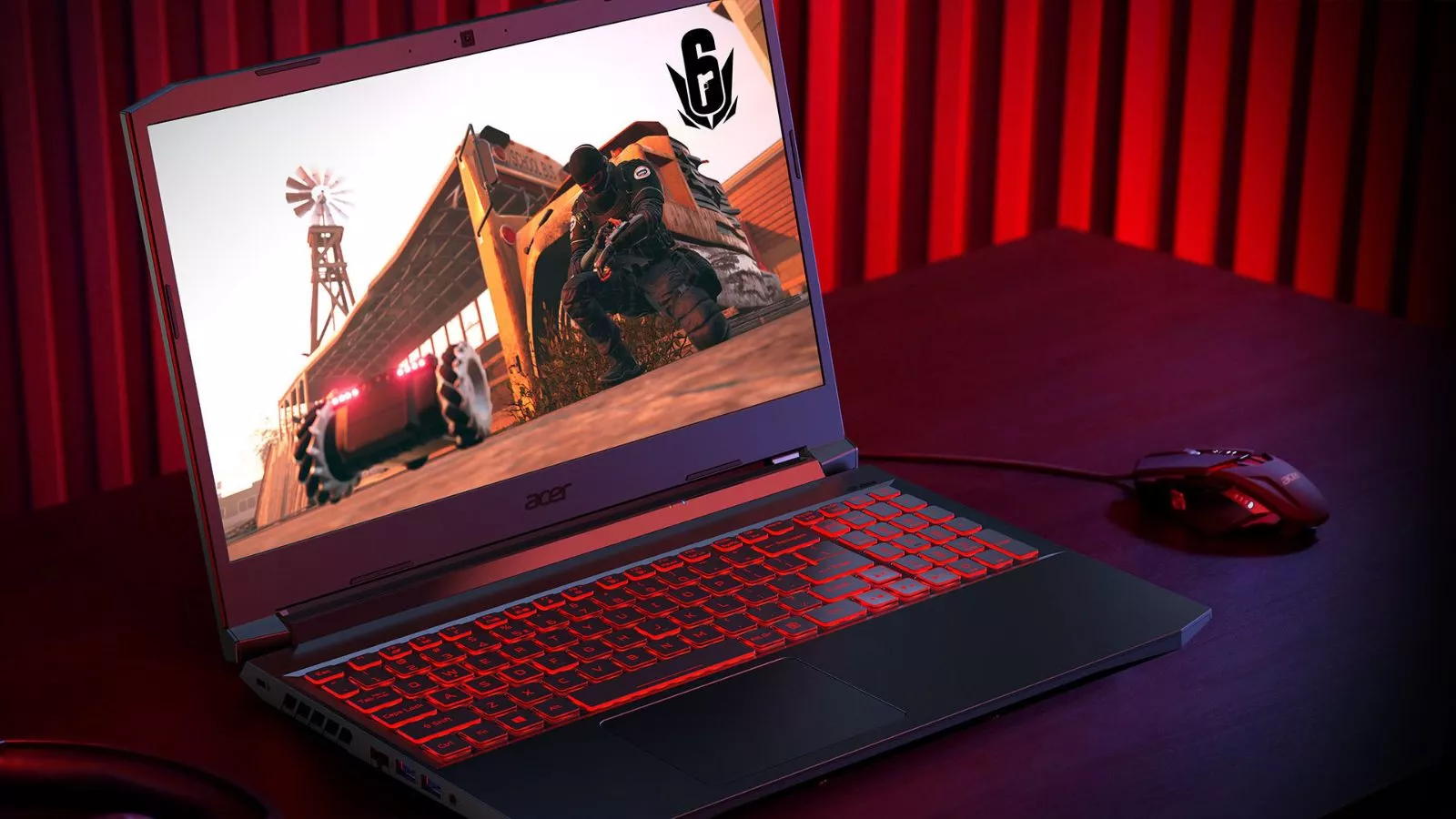
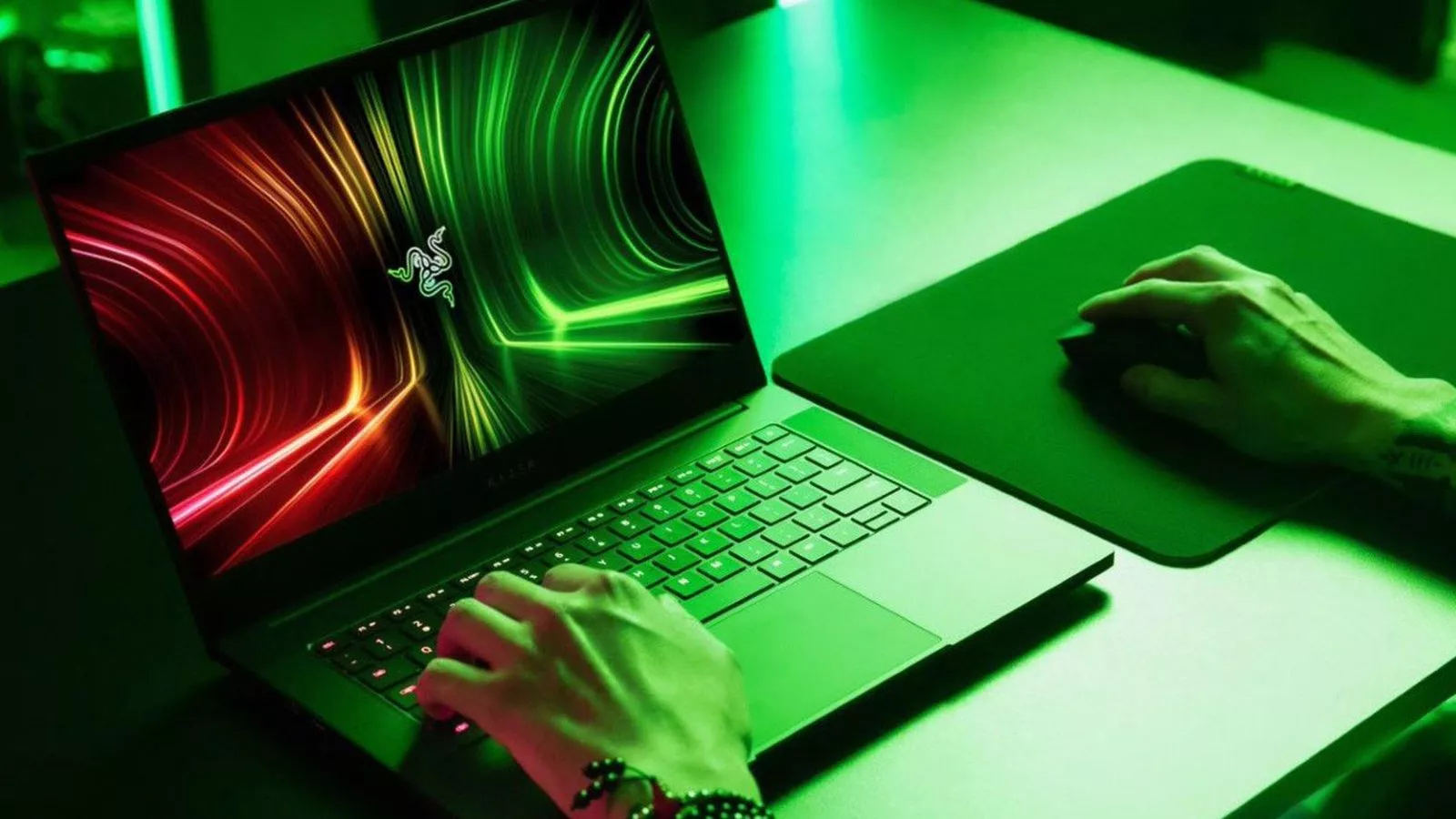
A gaming laptop is a portable computer built with high-performance hardware specifically designed to run graphically demanding video games. Unlike standard laptops, gaming laptops include dedicated graphics cards (GPUs), faster processors (CPUs), higher refresh rate displays, and advanced cooling systems to handle intense workloads without overheating.
If you are unfamiliar with the full breakdown of features, specifications, and what separates gaming laptops from regular machines, our detailed guide on what a gaming laptop actually is covers everything you need to know.
The key takeaway for students is this: the same hardware that powers smooth gaming also powers demanding academic and creative tasks. That makes these machines surprisingly versatile for campus life.
Why Students Consider Gaming Laptops
The growing interest among students in gaming laptops is not just about playing games between classes. There are practical, academic reasons behind the trend.
Raw Performance for Academic Demands. Modern coursework increasingly requires powerful machines. Engineering students run simulation software like MATLAB and SolidWorks. Design students work with Adobe Creative Suite. Data science students process large datasets. A gaming laptop’s dedicated GPU and multi-core CPU handle all of this without slowing down. Standard laptops with integrated graphics often struggle under the same workloads.
Versatility Across Use Cases. A single gaming laptop can serve as a study machine during the day, a content creation workstation in the evening, and a gaming rig at night. For students who cannot afford to buy multiple devices, this all-in-one capability offers tremendous value. Many students also explore creative hobbies or freelance work during college, and a gaming laptop supports those pursuits without needing an upgrade.
Long-Term Investment. A quality gaming laptop purchased in a student’s first year can last through the entirety of a four-year degree and beyond. The high-end components inside age more gracefully than the lower-spec hardware found in budget notebooks. If you are wondering whether gaming laptops hold up over time and deliver real value, our article on whether gaming laptops are worth the investment breaks down the long-term picture.
Pros of Gaming Laptops for Students
Let us look more closely at the specific advantages a gaming laptop brings to student life.
Effortless Multitasking
Students rarely do just one thing at a time on a computer. You might have a dozen browser tabs open for research, a Word document or Google Doc for writing, a video lecture playing in the background, and a communication app like Zoom or Discord running simultaneously. Gaming laptops typically ship with 16 GB of RAM or more, paired with fast processors that handle this kind of multitasking without any noticeable lag. Standard student laptops with 8 GB of RAM often hit a wall much sooner.
Handles Heavy Software Without Breaking a Sweat
Certain academic programs demand software that pushes hardware to its limits. Engineering students use CAD programs. Architecture students render 3D models. Film students edit high-resolution video. Music production students work with complex digital audio workstations loaded with virtual instruments and plugins. A gaming laptop’s dedicated GPU and powerful CPU are built for exactly this kind of processing.
Students interested in creative workflows should explore how gaming laptops perform in specific fields. For example, our guides on using a gaming laptop for video editing and music production offer detailed insights into real-world performance.
Durable Build Quality
Gaming laptops are generally built to withstand heat and sustained heavy use. They feature reinforced chassis designs, larger heat sinks, and more robust internal layouts compared to thin and light ultrabooks. For a student carrying a laptop in a backpack every day and using it for hours at a stretch, durability matters. A machine that can take a bit of rough handling and keep performing is a practical advantage over the life of a degree program.
Future-Proof Specifications
Technology advances quickly, and a laptop that feels fast today can start to struggle within a couple of years. Gaming laptops mitigate this problem by shipping with hardware that exceeds current minimum requirements for most software. That extra headroom means the machine stays capable as software demands increase over time. A student buying a gaming laptop in their first year of university has a much better chance of not needing a replacement before graduation compared to someone buying a budget notebook.
Cons of Gaming Laptops for Students
No product is perfect for everyone. Here are the honest downsides students should consider.
Weight and Bulk
This is the most commonly cited drawback. Gaming laptops are heavier than standard ultrabooks, often weighing between 2.2 kg and 3 kg (roughly 5 to 7 pounds). If you walk across campus daily with a heavy backpack, that extra weight adds up. Some newer gaming laptops have slimmed down considerably, but they still cannot match the feather-light portability of a MacBook Air or a Dell XPS 13.
Shorter Battery Life
High-performance components consume more power. Gaming laptops typically deliver between 4 and 7 hours of battery life during everyday tasks like web browsing and document editing. Under heavier loads such as gaming or video rendering, battery life drops even further. Students who spend long stretches away from power outlets, such as during back-to-back lectures, may find themselves reaching for a charger more often than they would like. Understanding how many watts a laptop uses can help you plan for power consumption and charging habits.
Higher Price Tag
Budget is a real concern for students. A capable gaming laptop usually starts around 800 to 1000 dollars and can easily climb past 1500 dollars for premium models. Standard student laptops or Chromebooks can be found for 300 to 500 dollars. The performance gap justifies the cost for students who need it, but those who only browse the web, write essays, and watch lectures will not get a meaningful return on the extra investment.
Fan Noise and Heat
Gaming laptops work hard, and hard work generates heat. The cooling fans inside these machines can spin up loudly under load, which can be distracting in a quiet library or lecture hall. Learning how to keep your laptop cool when gaming and understanding whether a gaming laptop can be used without a cooling pad can help manage this issue effectively.
Best Use Cases for Students
Not every student benefits equally from a gaming laptop. Here are the groups that gain the most.
Engineering and Computer Science Students
Engineering students rely on computationally heavy software for modeling, simulations, and coding. Computer science students compile code, run virtual machines, and sometimes work with machine learning models. A gaming laptop’s powerful CPU and GPU make these tasks significantly faster and smoother than they would be on a standard laptop.
Video and Film Production Students
Video editing is one of the most hardware-intensive tasks a student can perform on a laptop. Rendering timelines in software like DaVinci Resolve or Adobe Premiere Pro requires a strong GPU and plenty of RAM. A gaming laptop is one of the most cost-effective ways to get this level of performance in a portable form factor.
Music Production Students
Digital audio workstations like Ableton Live, FL Studio, and Logic Pro demand consistent processing power, particularly when using multiple virtual instruments and effects simultaneously. A gaming laptop delivers the low-latency, high-throughput performance that keeps audio projects running without glitches or dropouts. Our guide on gaming laptops for music production covers this in detail.
Students Who Also Game
This one is obvious but still worth mentioning. If you are a student who games regularly, a gaming laptop eliminates the need for a separate console or desktop gaming PC. You get one device that handles both sides of your life. This is particularly valuable for students living in dorms or shared apartments where space is limited.
When a Gaming Laptop Is NOT Worth It for Students
There are situations where a gaming laptop is simply overkill, and the money would be better spent elsewhere.
Basic Academic Use. If your coursework consists entirely of writing papers, reading PDFs, browsing the web, attending video calls, and managing spreadsheets, a standard laptop or even a Chromebook will handle everything perfectly well. Spending extra on a gaming laptop for tasks that any modern machine can do is not a wise use of a tight student budget.
Tight Budget With No Performance Need. When money is limited and you have no academic or personal need for a powerful GPU, a mid-range laptop with a solid processor and 8 GB of RAM is the better choice. The savings can go toward textbooks, a good pair of headphones, or an external monitor, all of which may have a bigger impact on your productivity than raw hardware power.
Gaming Laptop vs Regular Laptop for Students
Understanding the key differences between these two categories helps you make a smarter decision.
| Feature | Gaming Laptop | Regular Student Laptop |
|---|---|---|
| Processor | High-performance (Intel Core i7/i9 or AMD Ryzen 7/9) | Mid-range (Intel Core i5 or AMD Ryzen 5) |
| Graphics | Dedicated GPU (NVIDIA RTX series) | Integrated graphics (Intel Iris or AMD Radeon) |
| RAM | 16 GB to 32 GB standard | 8 GB standard |
| Storage | 512 GB to 1 TB SSD | 256 GB to 512 GB SSD |
| Display | High refresh rate (120Hz to 240Hz), often better color accuracy | 60Hz, adequate for general use |
| Battery Life | 4 to 7 hours average | 8 to 12 hours average |
| Weight | 2.2 to 3 kg | 1.2 to 1.8 kg |
| Price Range | 800 to 2500+ dollars | 300 to 800 dollars |
The right choice depends entirely on what you need the machine to do. If your workload is light, a regular laptop wins on portability, battery life, and price. If your workload is heavy or you want a machine that doubles as entertainment, the gaming laptop pulls ahead.
Gaming laptops have also proven themselves useful beyond just gaming and academics. Many professionals use them for tasks typically associated with workstations. If you are curious about how they perform in professional environments, our article on gaming laptops for office work is a helpful read.
What to Look for in a Student Gaming Laptop
If you have decided a gaming laptop is right for you, here are the specifications and features that matter most for student use.
GPU (Graphics Card)
For most students, a mid-range dedicated GPU like the NVIDIA RTX 4060 or RTX 4070 offers the best balance of performance and price. You do not need a top-tier GPU unless you are doing professional-grade 3D rendering or playing the most demanding titles at maximum settings.
CPU (Processor)
An Intel Core i7 or AMD Ryzen 7 processor from the current or previous generation is ideal. These chips handle multitasking, compiling code, rendering video, and running simulations without bottlenecking.
RAM
16 GB of RAM is the sweet spot for student use. It handles multitasking across demanding applications comfortably. If your budget allows, 32 GB provides additional headroom for the most intensive tasks like video editing or running virtual machines.
Battery Life
Look for models that advertise at least 6 to 8 hours of battery life for general use. Some newer gaming laptops with efficiency-focused processors are getting better at managing power draw, which helps bridge the gap with standard laptops.
Cooling System
Effective cooling is critical for sustained performance. Laptops with better cooling maintain higher performance for longer and are quieter under moderate loads. If thermal management is a priority for you, check out our recommendations for the gaming laptop with the best cooling and our guide to the best laptop cooling pads for additional support.
Display Quality
A 15.6-inch or 16-inch display with at least 1080p resolution and good color accuracy is important for both study and entertainment. A higher refresh rate (120Hz or 144Hz) is a bonus for gaming but not essential for academic work.
Budget Considerations for Students
Price is often the deciding factor, so it helps to know what performance you can expect at different price points.
Under 800 dollars. Entry-level gaming laptops with older generation GPUs. Adequate for light gaming and moderate academic tasks but may struggle with the most demanding professional software.
800 to 1200 dollars. The sweet spot for most students. This range gets you a current-generation mid-range GPU, 16 GB of RAM, and a fast processor. It handles virtually every student workload comfortably.
1200 to 1500 dollars. Premium student picks with better displays, larger storage, and improved build quality. If you want a machine that lasts four years without compromise, this is the range to target. Our guide to the best gaming laptops under 1500 dollars highlights the top options in this category.
Above 1500 dollars. High-end territory with top-tier GPUs, 32 GB of RAM, and 1 TB or more of storage. Excellent if the budget is available, but most students will find diminishing returns beyond this point.
Students shopping on a tighter budget might also consider a refurbished or pre-owned machine. Our article on whether buying a used gaming laptop is a good idea explains what to watch out for and how to get a reliable machine for less.
Final Verdict
Gaming laptops are a strong choice for students who need performance beyond what a standard laptop can offer. If your coursework involves engineering software, video editing, music production, 3D modeling, programming, data science, or any other resource-heavy workflow, a gaming laptop gives you the power to handle it all in a single portable machine. The added ability to game and create content during downtime makes the investment even more worthwhile.
However, if your academic needs are limited to word processing, web research, and video calls, a standard laptop will serve you just as well at a lower price and lighter weight. The smartest approach is to match the machine to your actual workload rather than buying more power than you will use.
For most students in technical, creative, or STEM-focused programs, a mid-range gaming laptop in the 800 to 1200 dollar range offers the best balance of performance, durability, and value in 2026.
Frequently Asked Questions
Are gaming laptops too heavy for students to carry around?
Gaming laptops are heavier than ultrabooks, typically weighing between 2.2 kg and 3 kg. This is noticeable if you carry your laptop across campus daily. However, many 2026 models have become slimmer and lighter than previous generations. Using a well-padded backpack with good weight distribution makes the extra weight manageable for most students.
Are gaming laptops good for college?
Yes, gaming laptops are excellent for college, particularly for students in demanding programs like engineering, computer science, graphic design, film production, and architecture. They handle academic software, multitasking, and entertainment equally well. College students who need a single device for everything will find a gaming laptop to be one of the most versatile options available.
Do gaming laptops last longer than regular laptops?
Gaming laptops generally last longer in terms of performance relevance because their high-end components stay capable of running current software for more years. The hardware inside a gaming laptop purchased today will still be competitive three to four years from now, while a budget laptop’s lower specifications may feel outdated within two years. Build quality also tends to be more robust due to the heavier chassis and better thermal design.
Can students use gaming laptops for studying and everyday tasks?
Absolutely. Gaming laptops run all the same applications as any other laptop, including web browsers, document editors, email clients, video conferencing tools, and note-taking apps. The powerful hardware simply means these tasks run faster and more smoothly. You will never find yourself waiting for a document to load or a tab to respond on a machine designed to run graphically intensive games.
Do gaming laptops have bad battery life for students?
Battery life is shorter on gaming laptops compared to ultrabooks, typically offering 4 to 7 hours for everyday tasks. This can be a limitation during long lecture days without access to power outlets. However, most classrooms and libraries provide charging stations, and many newer gaming laptops include battery-saving modes that extend life for lighter tasks by disabling the dedicated GPU.
Is it worth buying a gaming laptop just for college if I do not game?
If you do not game and your coursework does not require heavy processing power, a gaming laptop is probably not the best use of your money. A solid mid-range laptop will handle standard academic tasks perfectly and offer better battery life and portability. Reserve a gaming laptop purchase for situations where you genuinely need the extra hardware capability.
What is the best budget for a student gaming laptop?
The 800 to 1200 dollar range offers the best overall value for student gaming laptops in 2026. This budget secures a current-generation mid-range GPU, 16 GB of RAM, a capable processor, and a solid display, which is more than enough for both demanding coursework and gaming. Students with higher budgets can explore the 1200 to 1500 dollar range for premium features and better long-term durability.